




Upload/Download Your Tax Documents Securely
First Time Using the Secure Client Portal? If so, please contact our office at (407) 657-6336 so we can send you an "Invitation Email" to setup your password. Please read the detailed instructions below BEFORE uploading files!
UPDATED JANUARY 15, 2026 - PLEASE READ - DETAILED INSTRUCTIONS
1. If you currently do not have a secure client portal account, we will send you an "Invitation Email" which will have a subject line of "You Have a New Portals Account with Tax Form Processing LLC". Please click on the link in the e-mail within 14 days to setup your password. After 14 days, the link will expire and we will need to send you a new Invitation E-mail.
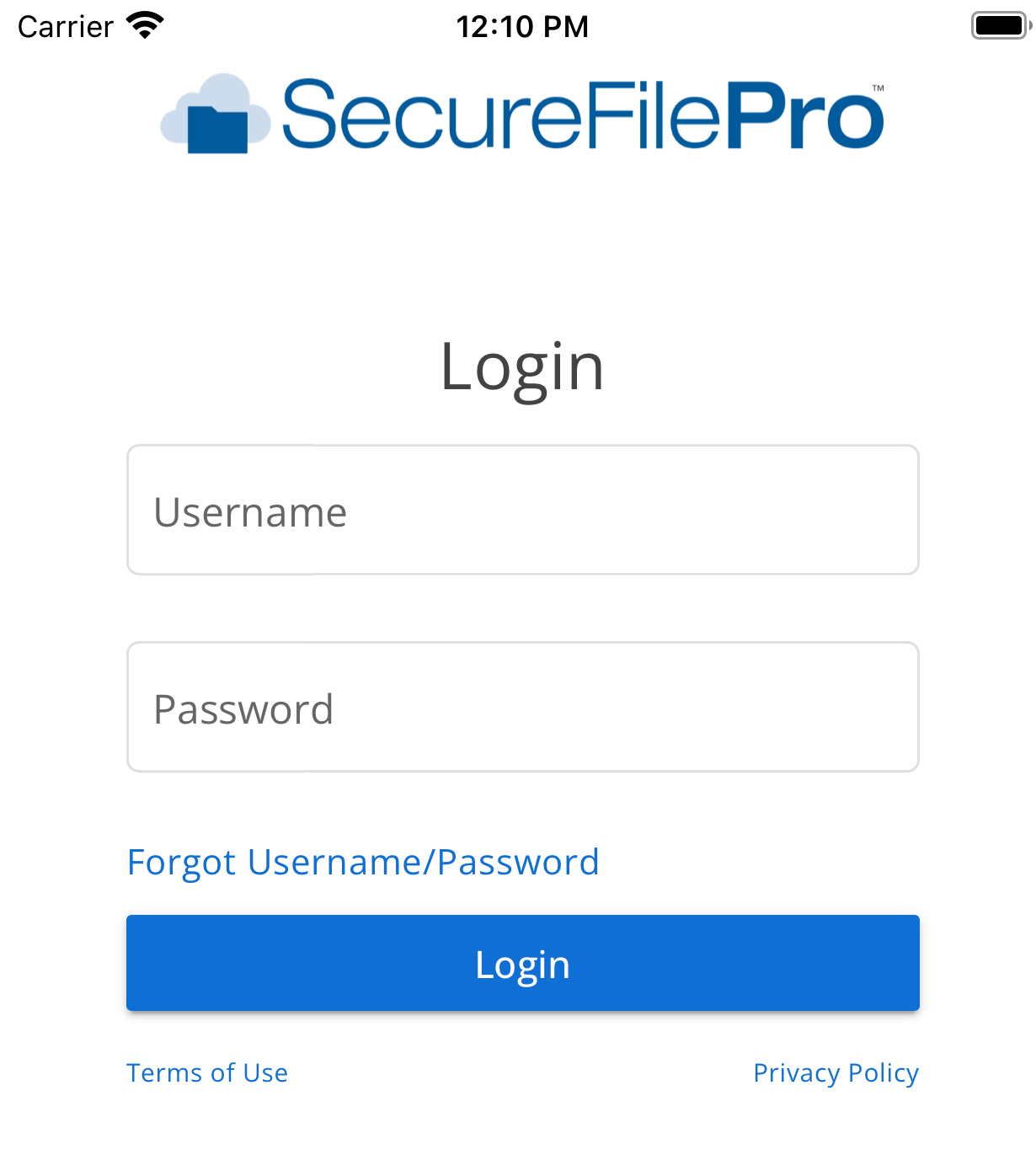
2. For personal taxes, your Username will be the first and last name of the primary taxpayer. For example, if the primary taxpayer's name is John Doe the Username will be JOHNDOE. The Username is not case sensitive. For business taxes, your Username will be your company name. If the company name is too long, it will be truncated.
3. The password that you will setup must be at least eight (8) characters long.
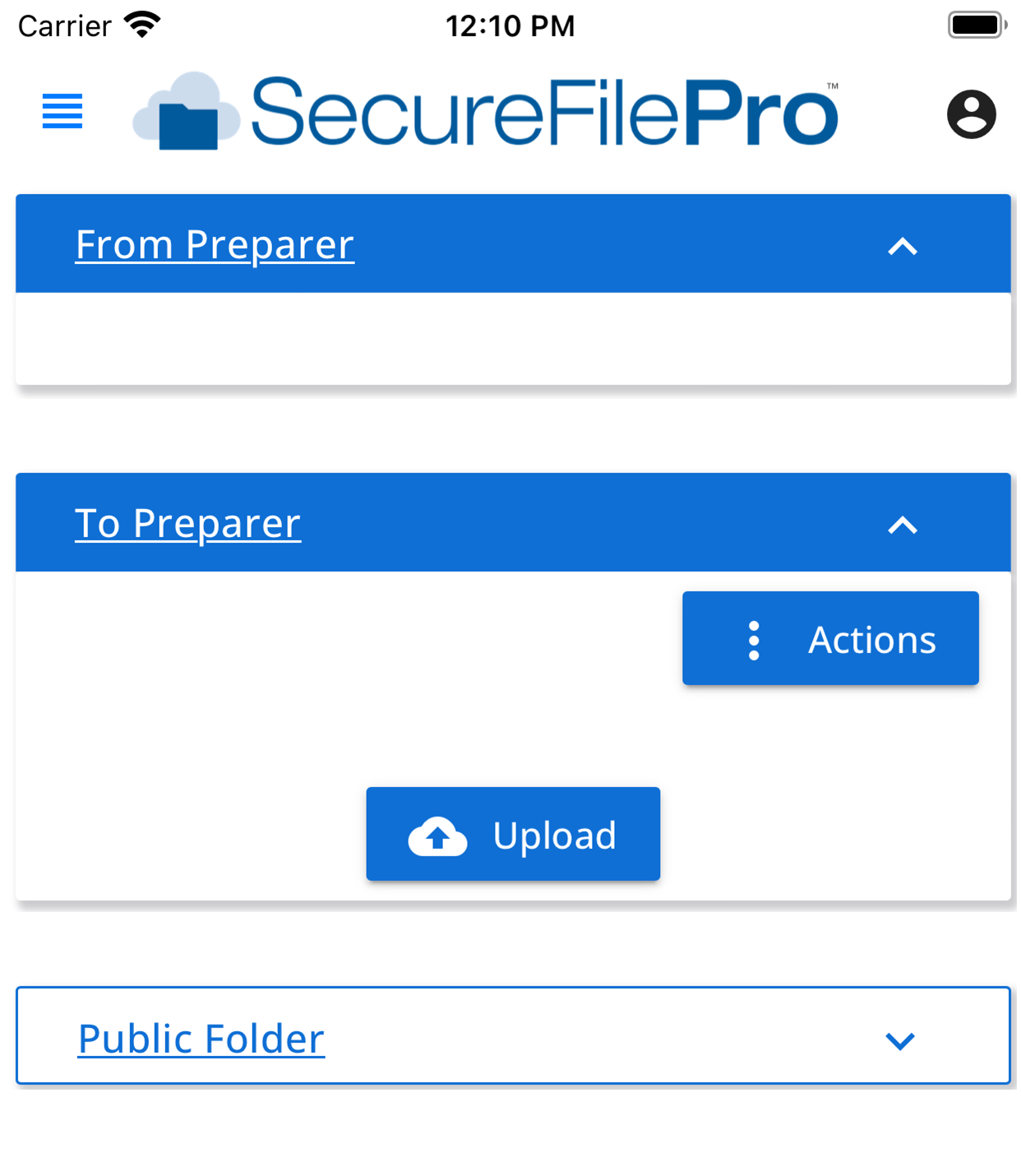
4. After you login, select "Files" then scroll down until you see "To Tax Form Processing LLC". You can "drag and drop files" or "Choose files" to upload and send files. You will be able to select the name of the tax preparer who will receive the files.
RECOMMENDATIONS FOR UPLOADING FILES
-
Create a folder by clicking on "+ Add Folder" before uploading files. For example, you can create a folder called “2025 Taxes”,
-
Upload file(s) into the new folder you created. Example: To Preparer / 2025 Taxes. Please give a descriptive name to each file that you will be uploading,
-
If possible, please send files as PDF. Image files such as JPEG, GIF, and PNG may come out blurry and may be difficult to print and read. If uploading a picture files, please send as full original size (do not shrink picture),
-
The online portal will automatically send a notification to the tax preparer when you upload new files.
6. If we upload a file for you to download, it will be in the section labeled "From Tax Form Processing LLC"
7. If you need to change your password and/or if you wish to setup Two-Step Authentication, you can click on the three dots next to your username on the top right and select "Account".
Click here to Access Secure Client Portal
Download the App for the Secure Client Portal
 |
 |
 |
 |